
The honest answer
Every browser offers to remember your passwords, and most of us say yes. It's genuinely useful — a unique password per site, filled automatically, is far safer than one password reused everywhere. So let's be clear up front: browser storage beats reuse, easily.
The real question isn't browser versus nothing. It's whether the browser is the right long-term home for the keys to your entire life.

Convenient by default
One click, and the browser remembers
Every browser offers to save your passwords, and saying yes is far safer than reusing one everywhere. The quieter part is what it decides for you — who can read them, and how little of the rest of you it actually holds.
The fine print
The trade-offs hiding behind "yes"
Saying yes quietly makes a few decisions for you — about who can read those passwords, and what actually protects them.
On most setups, anyone at your signed-in computer can view saved passwords in a couple of clicks.
Convenient across devices — but now your browser or platform login is the one key that guards everything.
The browser holds logins. Your IDs, documents, and the details you re-type into forms live elsewhere.
The real question
Who holds the key?
Storing a password is easy; what matters is what stands between it and someone else. With the browser, that's usually your device staying unlocked and your platform account staying uncompromised — fine for everyday logins, thinner than most people assume for the accounts that matter most.
The newsletter, the forum, the shop you use twice a year — browser storage is a perfectly good home.
Email, bank, and anything holding your identity deserve a key the provider itself can't read.
That last point is the whole difference. A browser can read what it stores; a zero-knowledge vault can't — the company holding it has no key, so a breach or a compelled request turns up nothing usable. (If the line between "kept safe" and "kept private" feels blurry, here's security vs. privacy in plain English.)
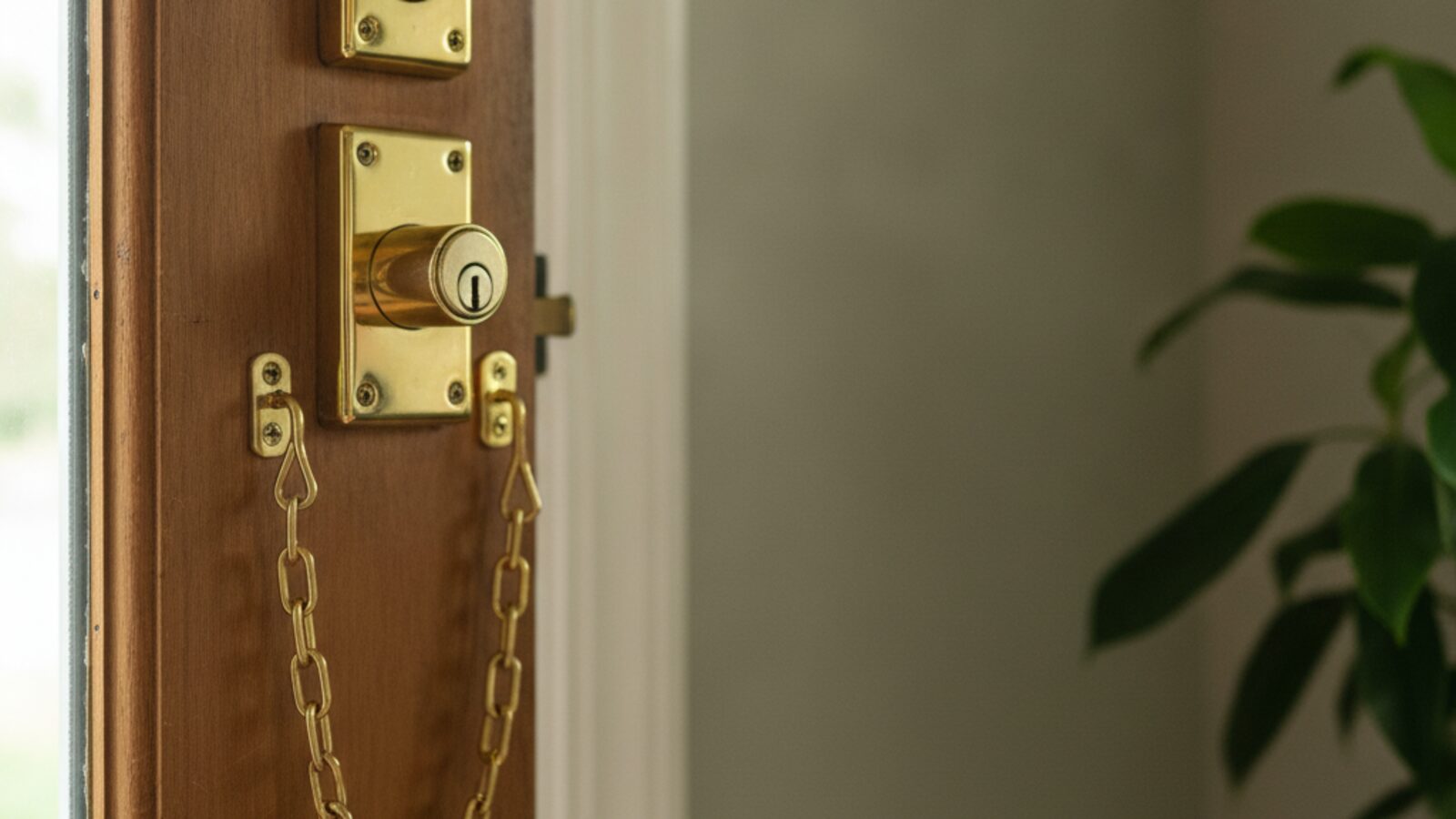
Keep the important keys where only you hold them.
The pragmatic take: browser storage is a fine convenience, not a vault. The keys to your identity belong somewhere only you can open — the same one place your documents and IDs live, not scattered across whichever browser you happened to log into.
Simply Once is a zero-knowledge vault for your logins, identity, and documents — encrypted so not even we can read it, and ready to fill any form.
Part of the guide to protecting your personal data online →